

MoneyWika earns a commission if you buy through some links on this page, at no extra cost to you. How we make money
MoneyWika is an Amplemarket partner and may earn from this post.
CRM Enrichment is a background job that fills in and refreshes your Salesforce records using Amplemarket's data. It works on the contacts, leads and accounts you already have, on a schedule or as new records arrive.
It suits revenue operations teams on Salesforce who want records enriched with the data their reps already prospect with. Amplemarket's help center calls it a paid feature, arranged through support or your account team.
Two limits to know first. Amplemarket's help center says it supports Salesforce only, not HubSpot, and it never creates new records.
CRM Enrichment at a glance
- Best for
- Revenue operations teams on Salesforce
- What it does
- Fills empty fields and refreshes existing ones on contacts, leads and accounts
- Runs
- On a schedule, or Instant for new records about every 15 minutes
- Controls
- Per-field overwrite rules, run caps and a one-time revert
- CRM
- Salesforce only, per Amplemarket's help center
- Availability
- Paid feature, through support or your account team
- Watch out for
- No HubSpot support, and it doesn't create records
How we researched this: on October 26, 2026, we read Amplemarket's CRM Enrichment page, help center guide and October 2026 explainer. We haven't run an enrichment job ourselves, so the details come from Amplemarket's documentation (see how we review software).
On this page: What it is · How it works · Controls · Requirements · Limits · Our take · FAQ
What CRM Enrichment is
CRM enrichment means filling gaps and updating stale data in the records your CRM already holds. Without it, fields stay empty or slowly go out of date.
Amplemarket's version runs as a background job inside Amplemarket. Amplemarket says it uses the same data your reps use for prospecting, so there's no second data vendor to manage. Amplemarket called it "new" in an October 16, 2026 post.
Amplemarket's broader Data Enrichment page covers CRM, CSV, API and calendar enrichment. That page mentions HubSpot, but the CRM Enrichment help center guide says Salesforce only.
How a CRM Enrichment job works
- Create a job. Open CRM enrichment in Amplemarket and click Create job.
- Pick the record type and timing. Choose Contact, Lead or Account. Then set a schedule in days, weeks or months, or choose Instant.
- Choose the audience. Enrich all records, or filter to a subset with Amplemarket and CRM filters.
- Set field rules. Each field is set to "Override existing value" or "Only fill if empty". Fields follow your Salesforce integration's field mapping.
- Cap the run. Review the estimate, set a per-run cap and an alert, then launch.
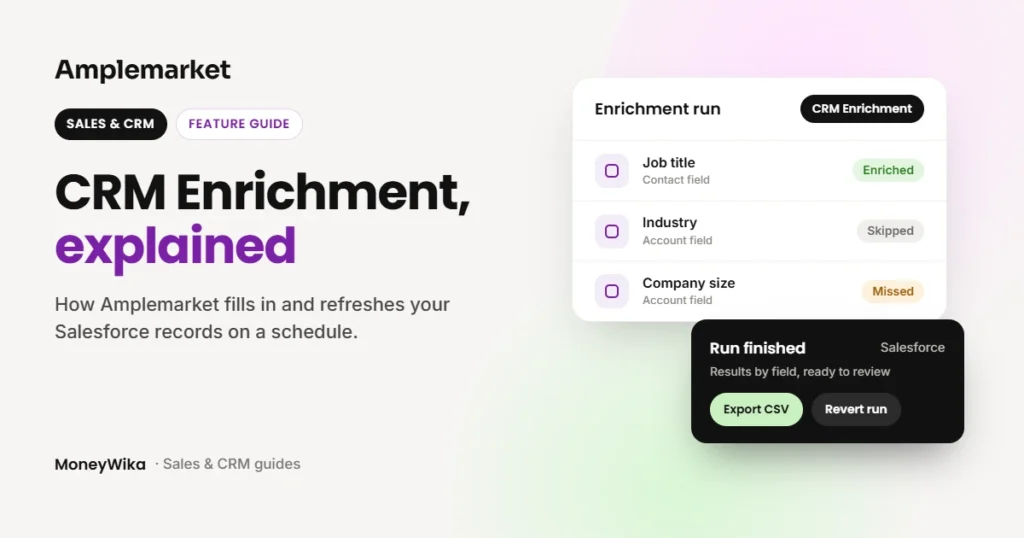
- Check the results. See which fields were enriched, missed, skipped or failed for each record. You can export the results to CSV or revert the run.
Instant jobs check for new records about every 15 minutes. Scheduled jobs run on the interval you set, and you can edit, pause, resume or archive them.
Interested in CRM Enrichment? Visit Amplemarket's site, or ask your account team whether it fits your Salesforce setup.
Visit AmplemarketThe controls that matter
- Per-field overwrite rules. Choose field by field whether Amplemarket can replace existing values or only fill empty ones.
- Run caps and alerts. Set a cap and an alert for each run before you launch.
- One-time revert. Each run can be reverted once. Fields someone edited after the run keep their newer values, and record-level detail is kept for 90 days.
- Light on API limits. Amplemarket says it uses Salesforce's bulk API. Its help center estimates about 8 Salesforce API calls per 1,000 records.
- Large runs. A single run can cover up to 100,000 records.
On data quality, Amplemarket's product page cites 200M+ verified contacts, 70M+ data updates a week and under 3% bounce. These are Amplemarket's own figures.
What you need before you start
- A connected Salesforce integration
- Default field mappings set up in that integration
- The "CRM Enrichment" permission, which admins have by default
- Access to the feature, which you request from Amplemarket's support or your account team
If you use the Amplemarket MCP, your AI assistant can also enrich contacts on request. CRM Enrichment is different because it keeps whole sets of Salesforce records current on its own.
Limits and who should skip it
Amplemarket's help center lists these limits:
- It supports Salesforce only. HubSpot isn't supported natively.
- Only default mapped fields can be enriched.
- It never creates records, and it only enriches records it can match.
- It doesn't detect job changes as such.
- Jobs can't be set to stop after a fixed number of runs.
- Instant jobs only handle records created after the job launches.
Where it helps
- Fills and refreshes records on a schedule
- Uses Amplemarket's own data, with no second vendor
- Per-field rules, run caps and a revert option
- Uses Salesforce's bulk API
What to watch
- Salesforce only
- Default mapped fields only
- Doesn't create records or detect job changes
- Paid feature, arranged through your account team
Skip it if your CRM is HubSpot, or if you need new records created rather than existing ones updated. For finding and verifying emails one at a time, our Hunter.io review covers a simpler tool.
Want Amplemarket to find new people to contact instead? Our Duo Copilot guide covers its AI sales assistant.
Our take: a sensible add-on for Salesforce teams already on Amplemarket
CRM Enrichment fits Salesforce teams that already use Amplemarket for prospecting. It is built to keep records current with the same data your reps use, instead of adding another vendor.
Start with a small audience and "Only fill if empty" rules. Check the results and the revert option before you allow overrides on large runs.
CRM Enrichment FAQ
What is CRM enrichment?
It means filling gaps and updating stale data in the records your CRM already holds. Amplemarket's CRM Enrichment does this as a background job, using Amplemarket's own data.
Does Amplemarket CRM Enrichment work with HubSpot?
Not natively. Amplemarket's help center says it supports Salesforce only, though an older Zapier recipe exists for HubSpot.
Will it overwrite my data?
Only the fields you set to "Override existing value". Fields set to "Only fill if empty" keep any value they already have.
Does it create new contacts?
No. It only enriches existing contacts, leads and accounts that it can match.
How often does it run?
On a schedule you set in days, weeks or months. Instant jobs check for new records about every 15 minutes.
Can I undo a run?
Yes, once per run. Fields edited after the run keep their newer values.
How do I get it?
Amplemarket's help center calls it a paid feature, and it isn't listed on the plan cards. Contact Amplemarket's support or your account team.
More in Sales, CRM & Business Phones
- Amplemarket MCP: How to Use Amplemarket in Claude and ChatGPT
- Amplemarket Duo Copilot: How the AI Sales Assistant Works
- Amplemarket Parallel Dialer: How It Works, Setup and Limits
- Hunter.io Review 2026: Pricing, Credits and Email Verification
- Close CRM Review 2026: Built-In Calling, Pricing and Who It's For
Sources
- Amplemarket. CRM Enrichment page, Data Enrichment page, help center guide to CRM Enrichment, Zapier enrichment guide and CRM enrichment explainer. Checked 22 Nov 2026.